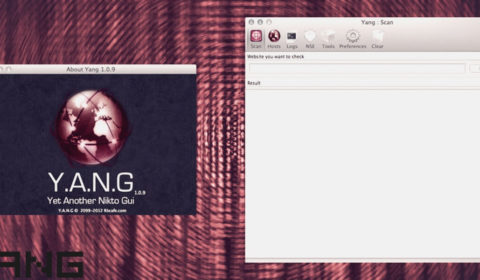
To use a new port inside Yang instead of the default 80 port, for example “443” you will :
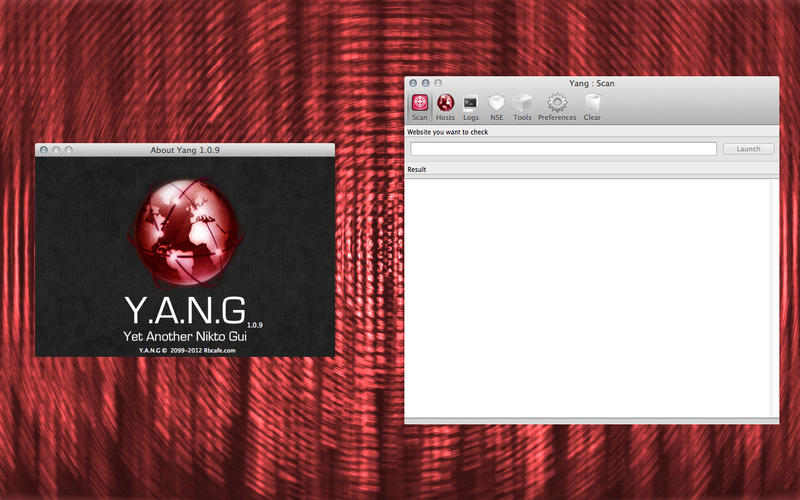
– Click “Hosts“.
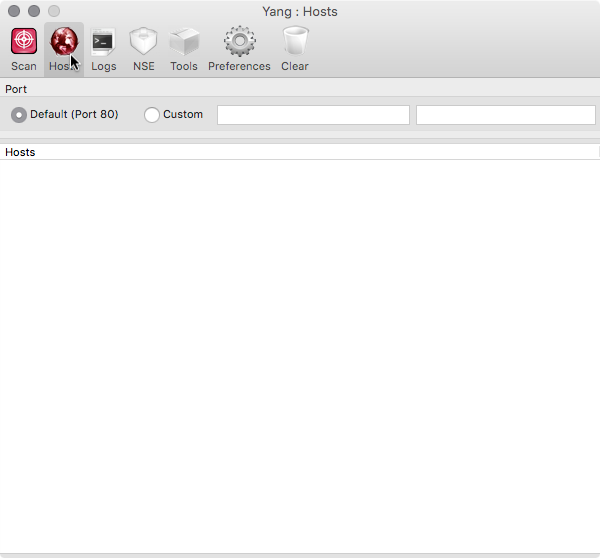
– Select “Custom” parameter.
– In the first parameter write the number of the port : 443
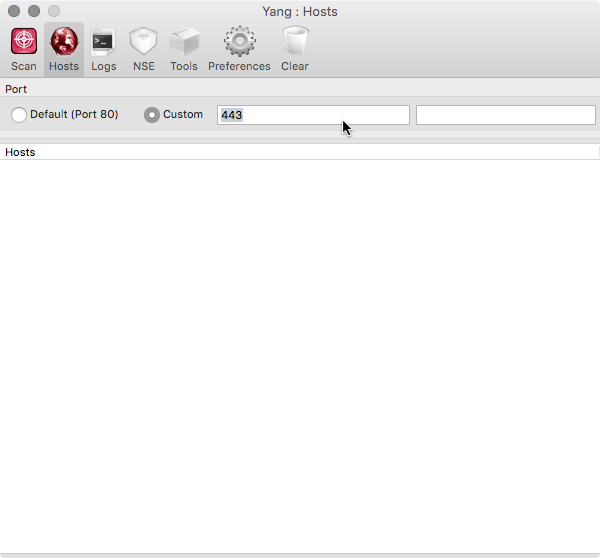
– In the second parameter write the number of the port : 443
– Click “Scan” : Write the name of the host you want to analyze.